Why this guide
Most people skim /help once and end up reaching for the same five or six commands every day. There’s a long tail of built-ins that quietly stay buried even though they need no setup and a single line to run. A handful of them change how a daily session feels.
When you need a quick break
-
/radioOpens Claude FM lo-fi radio in your browser. Prints the stream URL when no browser is available. Not available on Bedrock, Vertex, or Foundry.
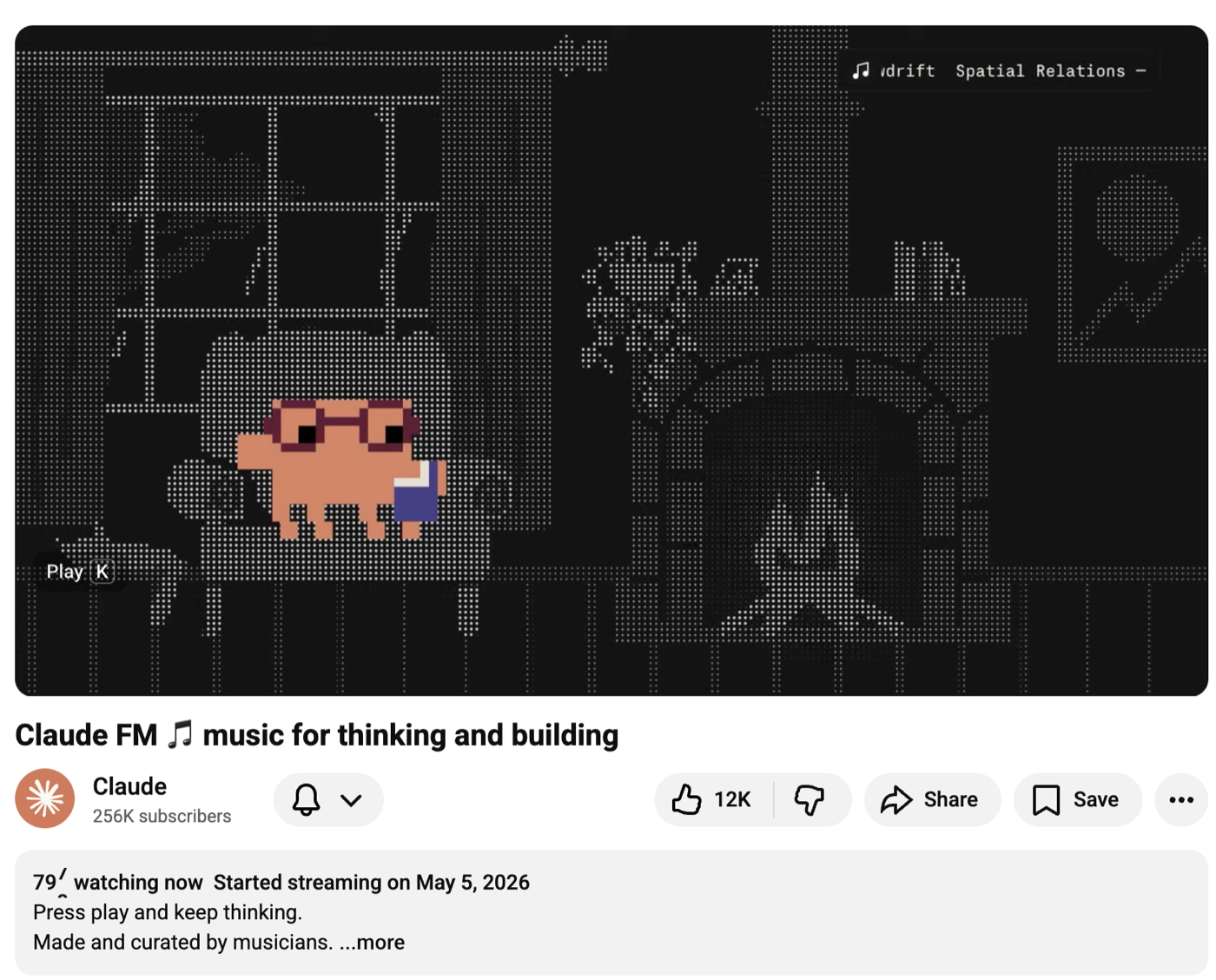
-
/btw <question>Ask a quick side question without adding to the conversation history. Useful when you want to confirm something without polluting context.
-
/color [color|default]Set the prompt bar color (
red,blue,green,yellow,purple,orange,pink,cyan, ordefault). Helpful for telling parallel sessions apart at a glance.
Move sessions freely
-
/teleport(alias/tp)Pull a Claude Code on the web session into your current terminal — opens a picker, then fetches the branch and conversation. Requires a claude.ai subscription.
-
/remote-control(alias/rc)The inverse: make your local session controllable from claude.ai. Useful for checking in or directing work from a phone.
-
/branch [name](alias/fork)Create a branch of the current conversation at this point. Switches you into the branch and preserves the original, which you can return to with
/resume. -
/clear [name](aliases/reset,/new)Start a new conversation with empty context. Pass a name and the previous conversation shows up labeled in the
/resumepicker.
When context feels heavy
-
/context [all]Visualize current context usage as a colored grid. Shows what’s eating your window — memory, tool calls, files — alongside optimization suggestions. Pass
allto expand the per-item breakdown. -
/compact [instructions]Free up context by summarizing the conversation so far. Pass focus instructions to steer how the summary is shaped.
Get results out
-
/copy [N]Copy the last assistant response (or the Nth-latest with
/copy 2) to clipboard. When code blocks are present, opens an interactive picker to select individual blocks or the full response. Presswin the picker to write the selection to a file instead — useful over SSH. -
/export [filename]Export the current conversation as plain text. With a filename, writes directly to that file; without, opens a dialog to copy to clipboard or save to a file.
-
/diffOpen an interactive diff viewer that shows uncommitted changes and per-turn diffs. Use left/right arrows to switch between the current git diff and individual Claude turns; up/down to browse files. Great for a final pass before opening a PR.
Review workflows
-
/simplify [focus]Bundled skill. Reviews recently changed files for code reuse, quality, and efficiency, then applies fixes. Spawns three review agents in parallel and aggregates the findings. Pass focus text — for example
/simplify focus on memory efficiency. -
/review [PR]Review a pull request locally in your current session. For a deeper cloud-based review, see
/ultrareview. -
/security-reviewAnalyze pending changes on the current branch for security vulnerabilities. Reviews the git diff and identifies risks like injection, auth issues, and data exposure.
Automate sessions
-
/loop [interval] [prompt]Bundled skill. Run a prompt repeatedly while the session stays open. Omit the interval and Claude self-paces between iterations. Example:
/loop 5m check if the deploy finished. -
/effort [level|auto]Set the model effort level immediately (
low,medium,high,xhigh,max). With no argument, opens an interactive slider — left/right arrows to pick, Enter to apply. -
/advisor [model|off]Pair your main model with a stronger advisor model that Claude consults at key moments — before committing to an approach, when an error keeps recurring, or before declaring a task done. For example, Sonnet main + Opus advisor keeps routine work fast and escalates only the hard calls. Experimental; requires v2.1.98 or later on the Anthropic API (not Bedrock, Vertex, or Foundry). Turn it off with
/advisor off. Docs. -
/plan [description]Enter plan mode directly from the prompt. Pass an optional description to enter plan mode and immediately start with that task — for example
/plan fix the auth bug.
Wrap up
Type / inside a Claude Code session to see the full menu. The list looks intimidating, but you really only end up using five to ten of them regularly — slip two or three of these into your habit and the daily flow gets noticeably lighter.